DNA Ordering Guide
This guide will demonstrate how to order DNA for your experiments.
Export Protein Sequences from eProtein Cloud Software
1. Go to your eProtein Cloud environment
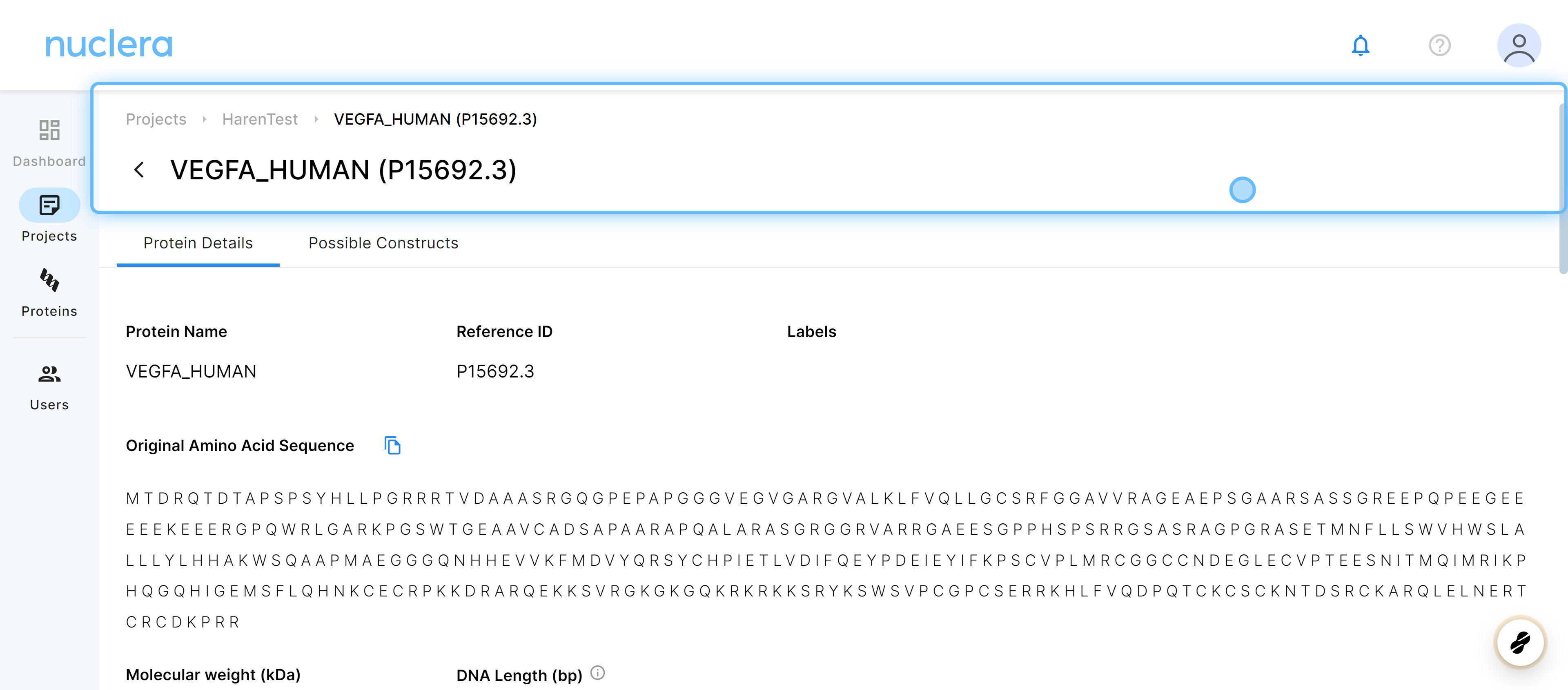
Navigate to a protein which you would like to order DNA for.
The protein must be in the 'Finalized' status. This ensures the necessary compatibility checks have been performed.
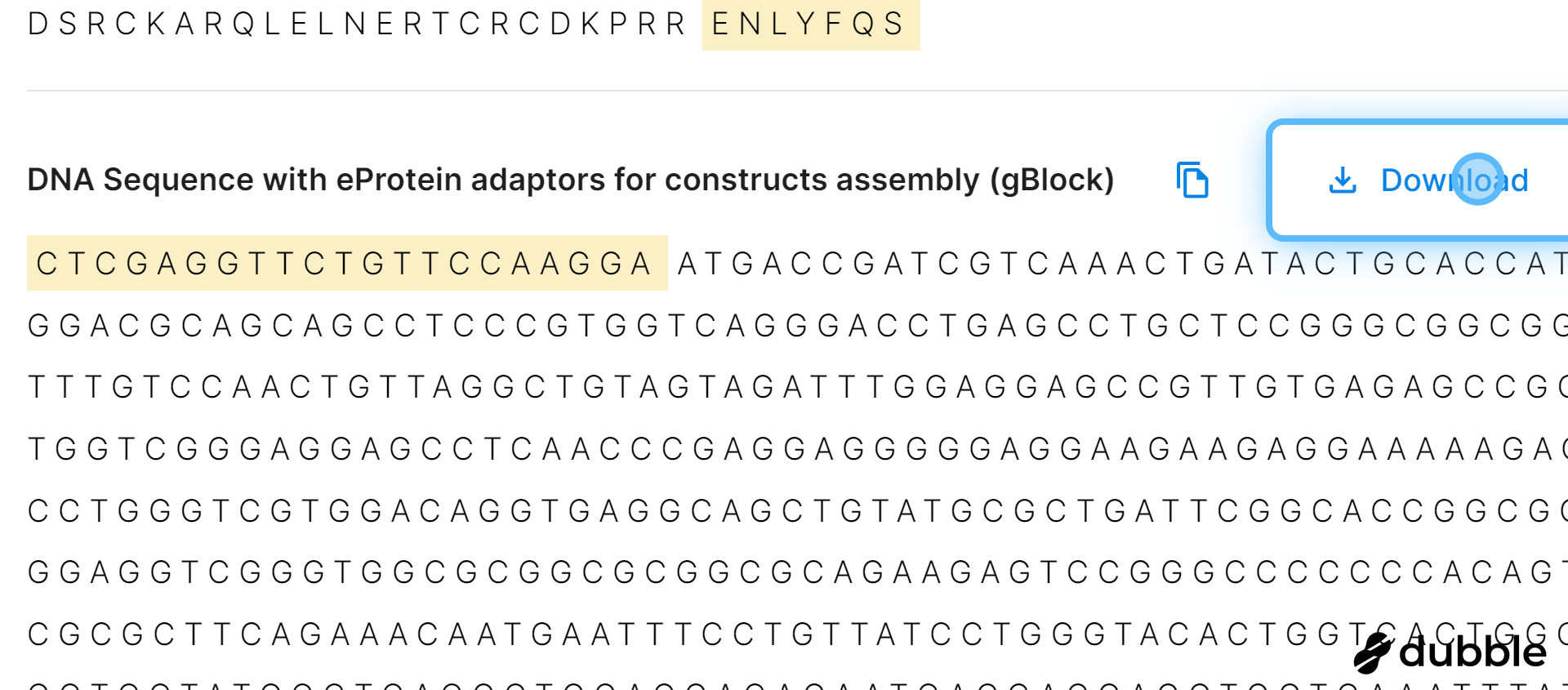
2. Scroll to the section with DNA Sequence > Click Download
A CSV file with your protein data will have been downloaded.
Navigate to Order Form
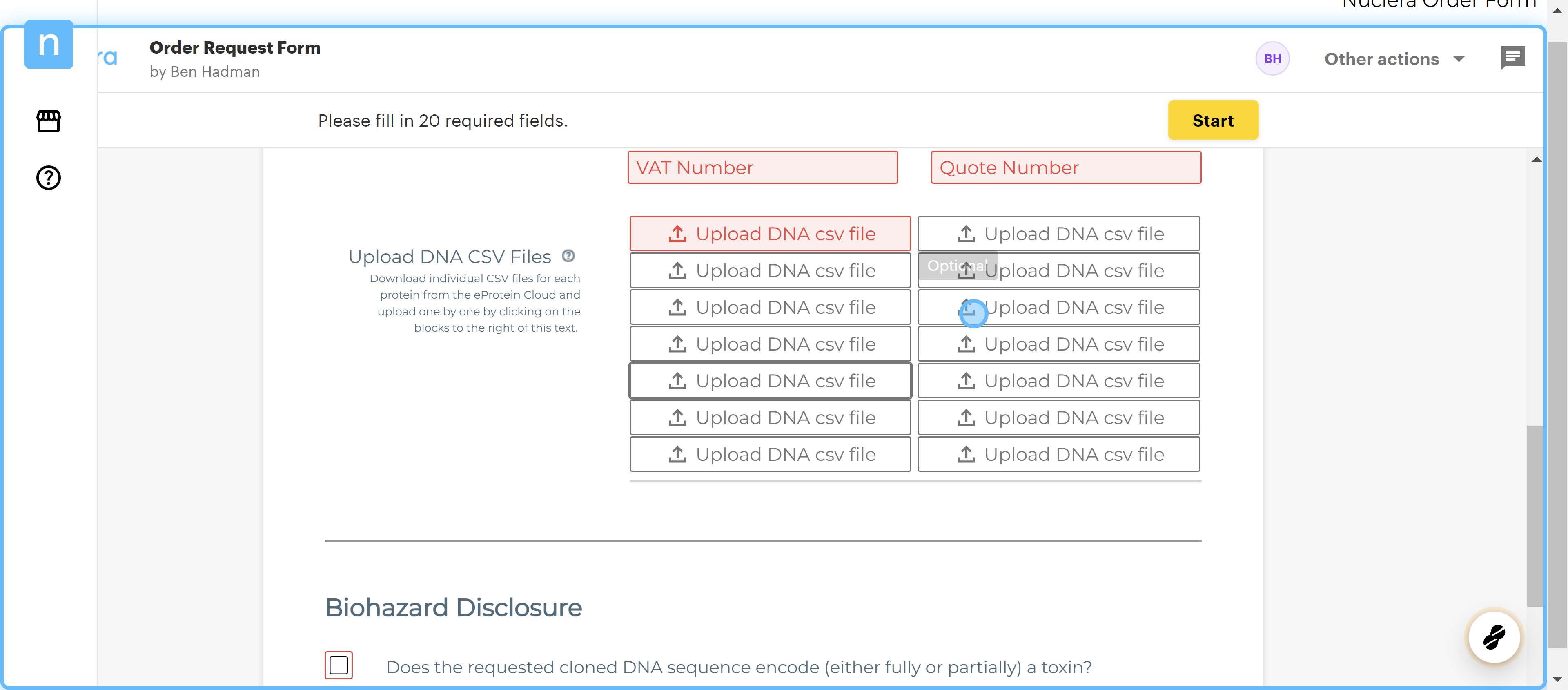
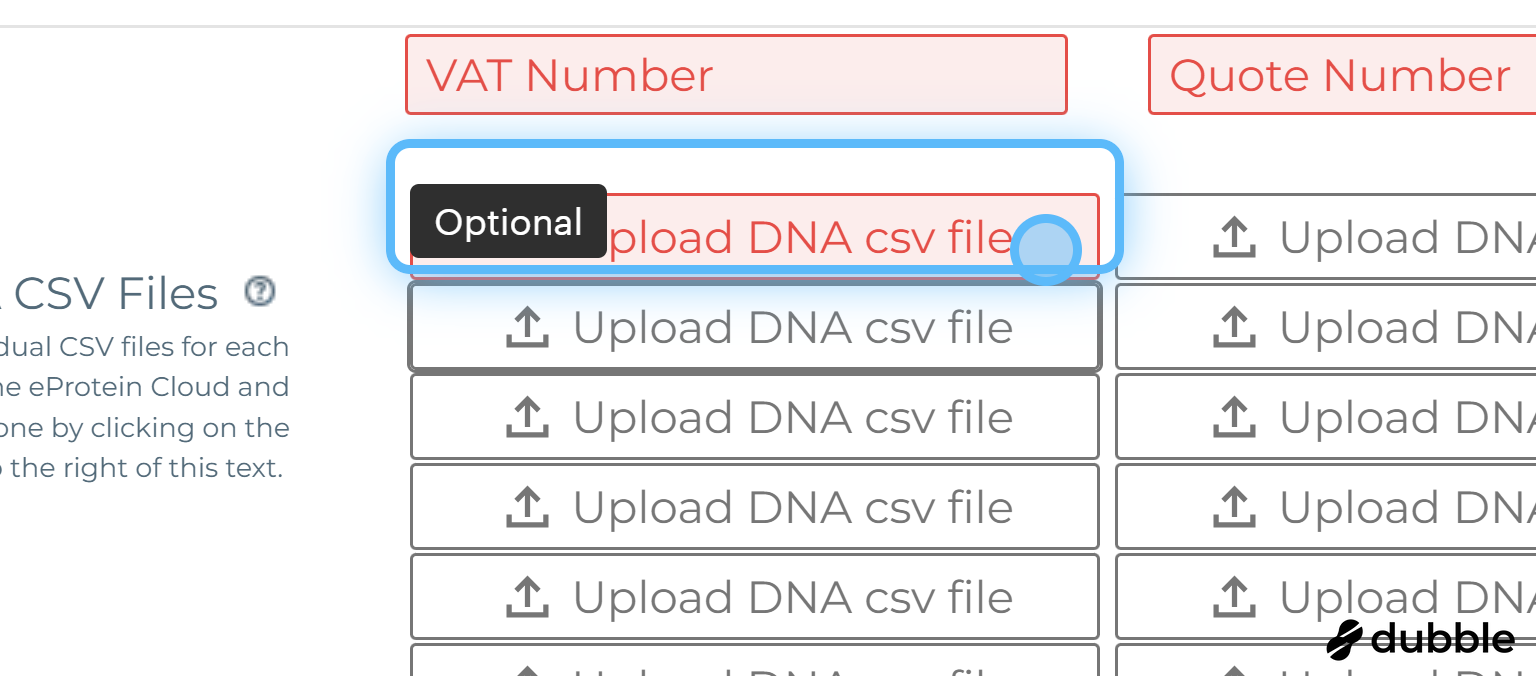
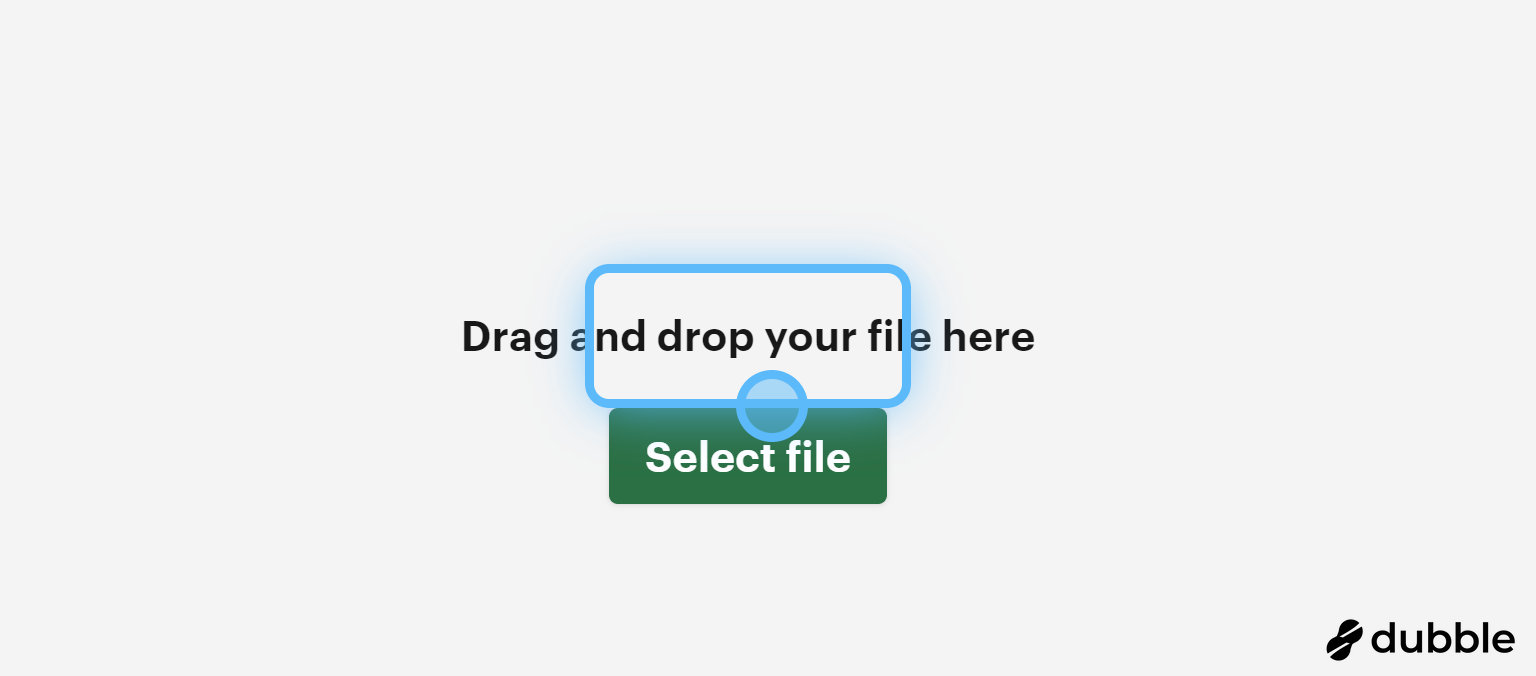
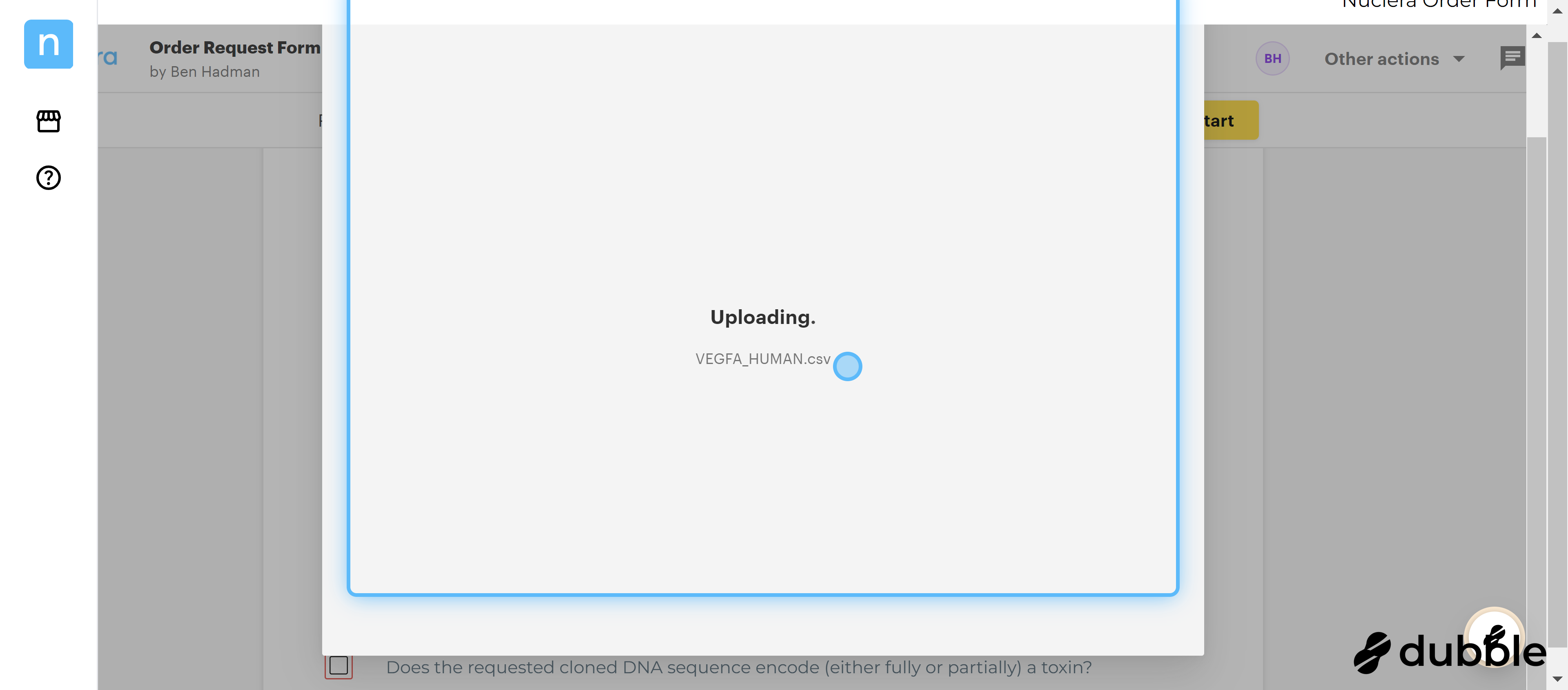
5. To add your Sequence Data: click on 'Upload DNA csv file'
You can add each csv file (one sequence per file) exactly how you exported it or you can combine multiple sequences into one file, provided you keep the columns/heading exactly the same as the initial export.